The CTA button is the decision point. Everything on your landing page, smart banner, or email builds toward this one tap. A/B testing CTAs is one of the simplest and most impactful optimizations you can make: it requires minimal development effort and can improve click-through rates by 10-30%.
For destination testing, see A/B Testing Deep Link Destinations. For smart banner strategies, see Smart Banners on Desktop: Cross-Device Strategies.
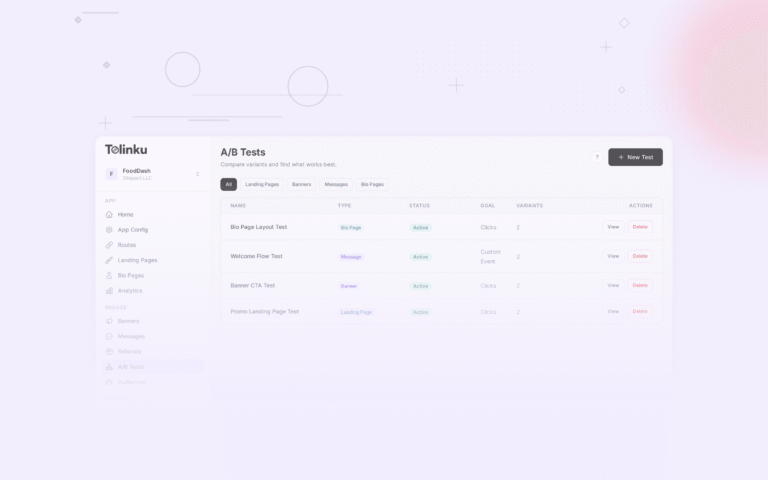
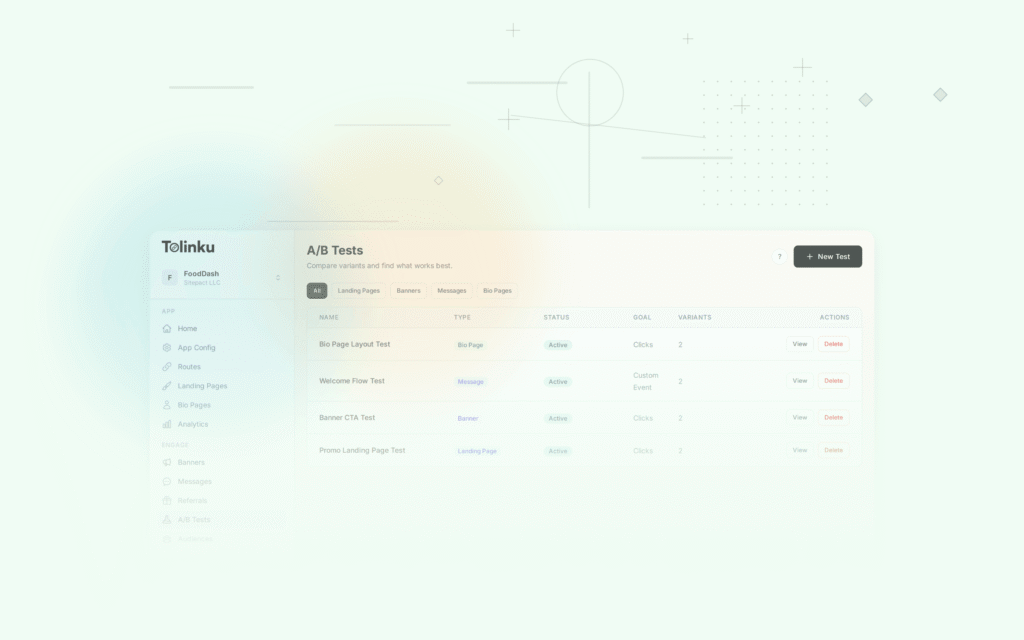
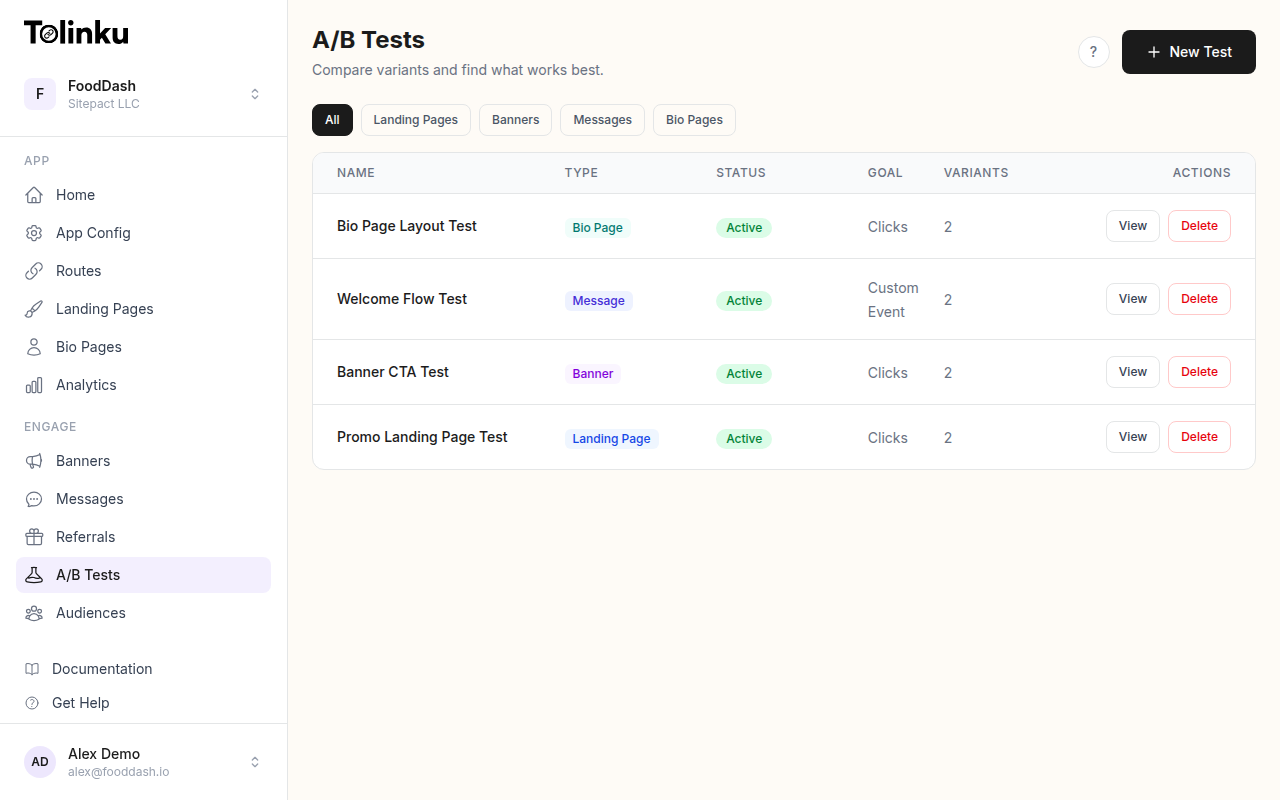 The A/B tests list page showing test names, status, types, and variant counts.
What to Test
CTA Text
The words on the button matter more than its color. Test these categories:
| Category | Examples | Best For |
|---|---|---|
| Action + benefit | "Start Saving Time" | Productivity apps |
| Direct action | "Download Free" | Free apps |
| Low commitment | "Try It Free" | Apps with trials |
| Social proof | "Join 2M+ Users" | Social and community apps |
| Value proposition | "Get $10 Off" | E-commerce, promo campaigns |
| Urgency | "Claim Your Offer" | Limited-time promotions |
| Curiosity | "See What's Inside" | Content and media apps |
CTA Placement
Where on the page the CTA appears:
| Placement | Click Rate | Notes |
|---|---|---|
| Above the fold (hero) | Highest | Visible immediately |
| Sticky bottom bar | High | Always visible during scroll |
| After social proof section | Medium-high | User sees evidence first |
| After features section | Medium | User understands the product |
| Multiple (hero + bottom) | Highest total | Different users click at different points |
CTA Design
| Variable | Variants to Test |
|---|---|
| Button size | Standard vs. large (full-width on mobile) |
| Color contrast | High contrast vs. brand color |
| Shape | Rounded vs. squared |
| Animation | Static vs. subtle pulse |
| Supporting text | With subtitle vs. without |
Implementation
Smart Banner CTA Testing
Test CTAs on smart banners directly:
function SmartBanner({ experiment }) {
  const variant = useExperimentVariant(experiment.id);

  return (
    <div className="smart-banner">
      <div className="banner-content">
        <img src={appIcon} alt="App icon" />
        <div>
          <strong>{appName}</strong>
          <span>{variant.subtitle || 'Free on the App Store'}</span>
        </div>
      </div>

      <a
        href={variant.deepLink || appStoreUrl}
        className={`cta-button cta-${variant.style || 'default'}`}
        onClick={() => trackCTAClick(experiment.id, variant.id)}
      >
        {variant.ctaText}
      </a>
    </div>
  );
}
Email CTA Testing
Test CTAs in onboarding and campaign emails:
async function buildEmailCTA(userId, experimentId) {
  const variant = assignVariant(userId, experimentId);
  const deepLink = await generateTrackableLink(variant.destination, {
    experimentId,
    variantId: variant.id,
    source: 'email',
  });

  return {
    text: variant.ctaText,
    url: deepLink,
    style: variant.buttonStyle,
    subtitle: variant.subtitle,
  };
}
In-App CTA Testing
Test CTAs on in-app prompts (upgrade, share, invite):
function UpgradePrompt({ experiment }) {
  const variant = useExperimentVariant(experiment.id);

  return (
    <Card>
      <Heading>{variant.headline}</Heading>
      <Text>{variant.description}</Text>

      <Button
        style={variant.buttonStyle}
        onPress={() => {
          trackCTAClick(experiment.id, variant.id);
          navigation.navigate('Upgrade');
        }}
      >
        {variant.ctaText}
      </Button>

      {variant.subtitle && (
        <Text style={styles.ctaSubtitle}>{variant.subtitle}</Text>
      )}
    </Card>
  );
}
Experiment Examples
Experiment 1: Install Button Text
const installButtonExperiment = {
  id: 'install_button_v4',
  variants: [
    { id: 'download_free', ctaText: 'Download Free', weight: 25 },
    { id: 'try_free', ctaText: 'Try It Free', weight: 25 },
    { id: 'get_started', ctaText: 'Get Started', weight: 25 },
    { id: 'open_app', ctaText: 'Open in App', weight: 25 },
  ],
  primaryMetric: 'app_install',
  secondaryMetric: 'click_through_rate',
};
Typical results:
- "Download Free" wins for users who know the app is free
- "Try It Free" wins for subscription apps (implies no commitment)
- "Get Started" wins for productivity/SaaS (implies action)
- "Open in App" wins for users who already have the app installed
Experiment 2: Urgency in CTA
const urgencyExperiment = {
  id: 'urgency_cta_v2',
  variants: [
    { id: 'no_urgency', ctaText: 'Get Your Discount', subtitle: null, weight: 50 },
    { id: 'with_urgency', ctaText: 'Claim Your Discount', subtitle: 'Offer ends in 24 hours', weight: 50 },
  ],
  primaryMetric: 'click_through_rate',
};
Urgency typically increases CTR by 10-20% but only when the urgency is real. Fake urgency ("only 3 left!" when there are unlimited) erodes trust and reduces long-term conversion.
Experiment 3: CTA with Value
const valueCtaExperiment = {
  id: 'value_cta_v1',
  variants: [
    { id: 'generic', ctaText: 'Sign Up', weight: 33 },
    { id: 'value', ctaText: 'Get $10 Free', weight: 33 },
    { id: 'action_value', ctaText: 'Claim Your $10', weight: 34 },
  ],
  primaryMetric: 'signup_completed',
};
When there's a concrete value offer, stating it in the CTA outperforms generic text by 30-50%.
Tracking CTA Performance
Click-Through Rate
function trackCTAClick(experimentId, variantId) {
  analytics.track('cta_clicked', {
    experimentId,
    variantId,
    timestamp: Date.now(),
    device: getDeviceType(),
    source: getTrafficSource(),
  });
}

// Calculate CTR
async function calculateCTR(experimentId, variantId) {
  const impressions = await countEvents('cta_viewed', { experimentId, variantId });
  const clicks = await countEvents('cta_clicked', { experimentId, variantId });

  return {
    impressions,
    clicks,
    ctr: (clicks / impressions * 100).toFixed(2) + '%',
  };
}
Beyond CTR: Full Funnel
CTR alone can be misleading. Track the full funnel:
async function fullFunnelAnalysis(experimentId) {
  for (const variant of getVariants(experimentId)) {
    const views = await countEvents('cta_viewed', { variantId: variant.id });
    const clicks = await countEvents('cta_clicked', { variantId: variant.id });
    const storeVisits = await countEvents('app_store_visited', { variantId: variant.id });
    const installs = await countEvents('app_installed', { variantId: variant.id });
    const activations = await countEvents('user_activated', { variantId: variant.id });

    console.log(variant.id, {
      ctr: (clicks / views * 100).toFixed(2) + '%',
      storeConversion: (storeVisits / clicks * 100).toFixed(2) + '%',
      installRate: (installs / storeVisits * 100).toFixed(2) + '%',
      activationRate: (activations / installs * 100).toFixed(2) + '%',
      overallConversion: (activations / views * 100).toFixed(3) + '%',
    });
  }
}
A CTA with higher CTR but lower activation rate might produce worse overall results than one with moderate CTR but higher quality installs.
CTA Copy Rules
What Works
- Start with a verb: "Get," "Start," "Try," "Join," "Claim"
- Include the benefit: "Start Saving Time" > "Sign Up"
- Match the user's intent: If they clicked an ad for discounts, say "Get Your Discount"
- Be specific: "$10 Off Your First Order" > "Get a Discount"
- Match the commitment level: "Browse Free" (low) vs. "Start Your Trial" (medium) vs. "Subscribe Now" (high)
What Doesn't Work
| CTA | Why It Fails |
|---|---|
| "Submit" | Passive, no benefit |
| "Click Here" | Obvious, no value |
| "Learn More" | Delays the action |
| "Continue" | Vague |
| "Send" (for signup) | Doesn't describe what happens |
Platform-Specific Considerations
iOS vs. Android
- iOS users are accustomed to "Get" (App Store uses this text)
- Android users see "Install" (Play Store terminology)
- Match platform conventions when appropriate
Mobile vs. Desktop
| Device | CTA Best Practice |
|---|---|
| Mobile | Full-width button, large tap target (48px+ height) |
| Desktop | Standard button, centered or right-aligned |
| Tablet | Full-width or centered, depends on layout |
Smart Banners
Smart banner CTAs should be:
- 1-2 words maximum (limited space)
- High contrast against the banner background
- Standard choices: "Open," "View," "Get," "Install"
For A/B testing features, see Tolinku A/B testing. For A/B testing setup, see the A/B testing docs.
Get deep linking tips in your inbox
One email per week. No spam.