The average mobile app loses 77% of its daily active users within the first three days after install. By day 30, that number climbs past 90%. Most users open an app once and never come back.
Onboarding is where you win or lose. The first 60 seconds inside your app determine whether someone becomes an active user or an uninstall statistic. And yet, most apps treat every new user the same way: a generic welcome screen, a carousel of feature highlights, a prompt to create an account, and then a dump onto the home screen.
This is a waste. If you know why someone installed your app (a friend's referral, a specific product link, a marketing campaign), you should use that context to shape their first-time user experience. That's exactly what user onboarding deep links make possible.
This guide covers how to use deep links, and specifically deferred deep links, to build personalized onboarding flows that are contextual and measurably better at converting new installs into active users.
The Problem with Generic Onboarding
Most onboarding flows are built as a single, linear path. Every user sees the same screens in the same order, regardless of where they came from or what they were looking for. This creates several problems.
No context. A user who clicked a link to a specific recipe in a cooking app gets dropped onto a generic "Welcome to CookApp!" screen. The recipe they wanted is nowhere in sight. They have to search for it manually, assuming they even bother.
Unnecessary friction. A user who was referred by a friend has to go through the same five-step tutorial as someone who found the app by browsing the App Store. The referral code they were given? They have to remember it and type it in manually, if they can find the input field at all.
Wasted intent. Users arrive with specific expectations shaped by whatever link or ad brought them in. A generic onboarding flow ignores those expectations entirely, creating a disconnect between the promise of the link and the reality of the app experience.
High drop-off. Every screen in your onboarding flow is a place where users quit. Industry data from Localytics and others consistently shows that each additional step in onboarding reduces completion rates by 10-20%. If you're showing users screens they don't need, you're losing them for no reason.
The core issue is straightforward: generic onboarding treats all users as identical. They're not. The channel, campaign, and content that brought each user to your app carry valuable context. Deep links let you capture that context and act on it.
How Deep Links Change Onboarding
A deep link carries data. At minimum, it specifies a destination screen inside your app. But it can also carry arbitrary parameters: a referral code, a campaign identifier, a content ID, a user segment tag, or any other metadata you attach.
When a user who already has your app installed taps a deep link, the app opens directly to the specified screen. The onboarding question gets interesting when the user does not have the app installed yet. That's where deferred deep linking comes in.
With a standard deep link, the context dies when the user hits the app store. The install process creates a gap; the app store doesn't pass custom data through to the installed app. When the user opens the app for the first time, it has no idea what link brought them there.
Deferred deep links solve this by storing the link data server-side when the click happens, then delivering that data to the app on first open. The app can then use that context to customize the onboarding experience.
Here's what this looks like in practice:
- A user taps a link on social media. The link points to a specific product in your e-commerce app.
- The user doesn't have the app. They're redirected to the App Store.
- They install and open the app.
- The deferred deep link fires. The app receives the original link data, including the product ID.
- Instead of showing the standard onboarding carousel, the app shows a shortened welcome flow, then navigates directly to the product page the user originally wanted.
The user gets what they came for. You get a user who's immediately engaged with relevant content instead of swiping through tutorial screens.
Deferred Deep Links: The Key to Personalized Onboarding
Understanding the mechanics of deferred deep linking is important for building reliable onboarding flows. For a comprehensive technical walkthrough, see our article on how deferred deep linking works. Here's the short version.
When a user clicks a deferred deep link, the link service captures device-level information (IP address, user agent, screen size, OS version) along with all the link's parameters. The user is redirected to the appropriate app store. After install, when the app opens for the first time, the SDK on the device sends its own device information to the server. The server matches the first-open signal against recent clicks to find the right link data, then returns it to the app.
This matching happens in the background, usually within milliseconds of the first app launch. Your app receives a callback with the original link parameters. From there, it's up to your code to decide what to do with them.
The match window matters. If a user clicks a link on Monday but doesn't install until Thursday, the match might fail (most services use a window of 1 to 24 hours). For onboarding flows, this is rarely a problem; most installs happen within minutes of a click.
On iOS, Apple provides the SKAdNetwork and the clipboard-based pasteboard approach (which iOS 16+ restricts with user prompts). On Android, Google's Play Install Referrer API provides a deterministic way to pass referral data through the install. These platform-specific mechanisms supplement probabilistic fingerprint matching.
For a deeper technical explanation, see our guide on how deferred deep linking works.
Onboarding Patterns with Deep Links
There are four common patterns for deep-link-driven onboarding, each suited to different acquisition channels.
Referral Onboarding
A user shares their referral link with a friend. The friend taps it, installs the app, and opens it. The deferred deep link carries the referrer's user ID and the referral offer details.
On first open, the app can:
- Skip the "How did you hear about us?" screen
- Pre-apply a referral bonus or discount
- Show a message like "Sarah invited you! You both get $10."
- Connect the two accounts for social features
This pattern is critical for referral programs. Without deferred deep links, referred users have to manually enter referral codes, and a significant percentage of them won't bother. Automatic referral attribution through deep links can double or triple referral program conversion rates.
Campaign Onboarding
A user clicks a paid ad or email campaign link. The link carries the campaign ID, the creative variant, the user segment, and possibly a promotional offer.
On first open, the app can:
- Show campaign-specific welcome messaging that matches the ad creative
- Auto-apply a promotional code from the campaign
- Skip straight to the feature or content promoted in the ad
- Tag the user's account with the acquisition source for downstream analytics
Content Onboarding
A user clicks a shared link to a specific piece of content: an article, a product, a playlist, a recipe, a listing. The link carries the content ID.
On first open, the app can:
- Show a minimal onboarding flow (one or two screens instead of five)
- Navigate directly to the content after account creation
- Pre-populate interests or preferences based on the content type
This is one of the highest-converting patterns. The user came for something specific; giving it to them immediately creates a strong first impression.
Invite Onboarding
A user receives an invitation to join a team, workspace, or group within the app. The link carries the team ID and an invitation token.
On first open, the app can:
- Pre-fill the team join flow
- Skip the "Create or join a team?" decision screen
- Show team-specific branding or welcome content
- Automatically add the user to the correct group after account creation
Building a Contextual Onboarding Flow
Let's get concrete. Here's how to build an onboarding flow that reads deep link data and branches accordingly.
Reading Deep Link Parameters on First Open
When your app launches for the first time, you check for deferred deep link data before starting the onboarding flow. Here's a simplified example in Swift:
func application(_ application: UIApplication,
                 didFinishLaunchingWithOptions launchOptions: [UIApplication.LaunchOptionsKey: Any]?) -> Bool {

    Tolinku.shared.configure(apiKey: "tolk_pub_your_key")

    Tolinku.shared.checkDeferredDeepLink { result in
        switch result {
        case .success(let linkData):
            self.startOnboarding(with: linkData)
        case .failure:
            self.startOnboarding(with: nil)
        }
    }

    return true
}

func startOnboarding(with linkData: TolinkuLinkData?) {
    let onboardingVC = OnboardingViewController()

    if let data = linkData {
        onboardingVC.referralCode = data.params["ref"]
        onboardingVC.campaignSource = data.params["utm_source"]
        onboardingVC.contentId = data.params["content_id"]
        onboardingVC.onboardingVariant = determineVariant(from: data)
    }

    window?.rootViewController = onboardingVC
}
And the equivalent in Kotlin for Android:
class MainActivity : AppCompatActivity() {

    override fun onCreate(savedInstanceState: Bundle?) {
        super.onCreate(savedInstanceState)

        Tolinku.init(this, "tolk_pub_your_key")

        Tolinku.checkDeferredDeepLink { linkData ->
            if (linkData != null) {
                startOnboarding(linkData)
            } else {
                startOnboarding(null)
            }
        }
    }

    private fun startOnboarding(linkData: TolinkuLinkData?) {
        val intent = Intent(this, OnboardingActivity::class.java).apply {
            linkData?.let {
                putExtra("ref", it.params["ref"])
                putExtra("utm_source", it.params["utm_source"])
                putExtra("content_id", it.params["content_id"])
            }
        }
        startActivity(intent)
    }
}
Branching Logic
Once you have the link parameters, you can branch the onboarding flow. The key principle: show fewer screens when you have more context.
func determineVariant(from linkData: TolinkuLinkData) -> OnboardingVariant {
    // Referred users: skip discovery, highlight social features
    if linkData.params["ref"] != nil {
        return .referral
    }

    // Campaign users: match the campaign messaging
    if let campaign = linkData.params["campaign_id"] {
        return .campaign(id: campaign)
    }

    // Content users: minimal flow, fast path to content
    if linkData.params["content_id"] != nil {
        return .contentDirect
    }

    // Invite users: team setup flow
    if linkData.params["invite_token"] != nil {
        return .teamInvite
    }

    return .standard
}
Skipping Steps
The most effective onboarding optimization with deep links is simply removing unnecessary steps. Here are screens you can skip based on context:
| Context from Deep Link | Screens You Can Skip |
|---|---|
| Referral code present | "How did you find us?", referral code entry |
| Campaign with promo | Promo code entry, plan selection |
| Content ID present | Feature tour, interest selection |
| Team invite | "Create or join?", team browsing |
| Known user segment | Category/interest picker |
Every screen you remove reduces the chance of drop-off and gets the user to value faster.
A/B Testing Onboarding Flows
You should not assume that a deep-link-personalized onboarding flow performs better. Measure it. Run controlled tests comparing different onboarding paths.
What to Test
Personalized vs. generic. Does showing referral context actually improve activation, or does it add confusion? The answer varies by app category. Test it.
Short vs. long flows. For content deep links, does a one-screen onboarding (just account creation) outperform a three-screen flow that also covers preferences? Sometimes a slightly longer flow leads to better retention even if activation is a bit lower.
Channel-specific flows. Users from paid Instagram ads might respond differently than users from email campaigns. Test whether channel-specific onboarding messaging improves outcomes.
Permission timing. When deep link data tells you the user came for a specific feature (like messaging), you might be tempted to ask for notification permissions immediately. Test whether asking up front or waiting until after the first meaningful action gets a higher opt-in rate.
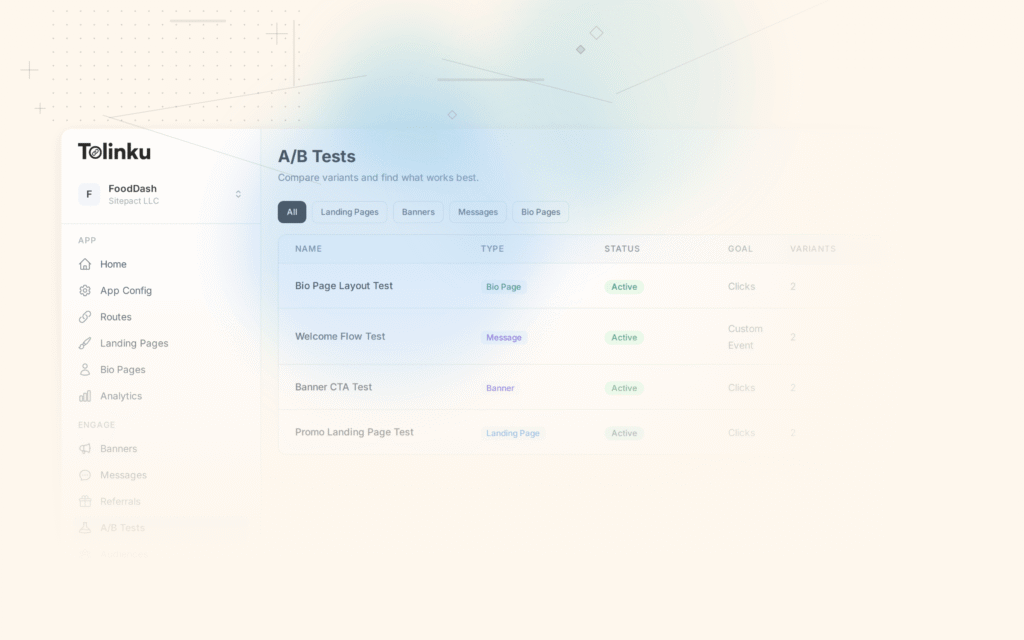
Use A/B testing to compare onboarding variants, and segment results by acquisition channel using audience definitions to understand which flows work best for which user segments.
Setting Up an A/B Test
A basic approach: hash the user identifier (or device ID) and assign them to a variant deterministically.
function assignOnboardingVariant(userId, deepLinkData) {
  const hasDeepLink = deepLinkData !== null;

  if (!hasDeepLink) {
    return 'standard';
  }

  // 50/50 split: personalized vs. standard (for testing)
  const hash = simpleHash(userId) % 100;

  if (hash < 50) {
    return 'personalized';  // Use deep link context
  } else {
    return 'standard';      // Ignore deep link context (control)
  }
}

function simpleHash(str) {
  let hash = 0;
  for (let i = 0; i < str.length; i++) {
    const char = str.charCodeAt(i);
    hash = ((hash << 5) - hash) + char;
    hash = hash & hash; // Convert to 32-bit integer
  }
  return Math.abs(hash);
}
Track events at each step: onboarding_started, onboarding_step_completed, onboarding_completed, first_key_action. Compare funnel completion rates across variants.
Measuring Onboarding Success
Deep links give you richer data to work with. Instead of just knowing "a user signed up," you know where they came from, what they expected, and whether they got it.
Key Metrics
Activation rate by source. What percentage of users from each channel (referral, paid, organic, email) complete onboarding and perform a key action? Deep link parameters make this segmentation automatic.
Time to value. How long does it take from first open to the first meaningful action (a purchase, a message sent, a piece of content consumed)? Deep-link-aware onboarding should reduce this measurably.
Onboarding completion rate. What percentage of users who start onboarding actually finish it? Compare this across your standard flow and your personalized variants.
Drop-off by step. Where in the onboarding flow do users leave? If you're running a personalized flow that skips steps, you should see drop-off concentrated later in the funnel (or not at all, ideally).
Day 1, Day 7, and Day 30 retention by source. This is the metric that matters most. Does personalized onboarding actually produce users who stick around? Track retention cohorts segmented by acquisition source and onboarding variant.
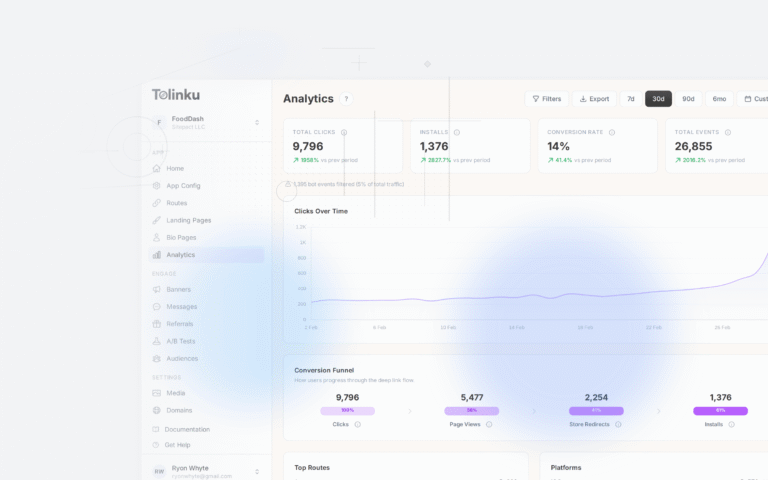
Use analytics to build dashboards for these metrics. The ability to segment by deep link parameters (campaign, referrer, content type) is what turns onboarding data from vague into actionable.
Sample Analytics Event Schema
{
  "event": "onboarding_completed",
  "user_id": "usr_abc123",
  "timestamp": "2026-03-05T14:30:00Z",
  "properties": {
    "variant": "referral",
    "steps_shown": 3,
    "steps_completed": 3,
    "time_to_complete_seconds": 45,
    "deep_link_source": "referral",
    "referrer_id": "usr_xyz789",
    "utm_source": "whatsapp",
    "utm_campaign": "spring_referral_2026"
  }
}
Common Onboarding Deep Link Patterns
Here are URL structures and parameter conventions that work well for onboarding use cases.
Referral Links
https://yourapp.link/invite?ref=USR123&offer=both_get_10
Parameters:
ref: The referrer's user ID (for attribution)offer: The reward structure (so the app can display the correct incentive)
Campaign Links
https://yourapp.link/welcome?utm_source=instagram&utm_campaign=spring2026&promo=SPRING20&segment=fitness
Parameters:
- Standard UTM parameters for attribution
promo: A promo code to auto-applysegment: A user segment hint for onboarding personalization
Content Links
https://yourapp.link/recipe/carbonara-42?ref_source=pinterest
Parameters:
- The path itself (
/recipe/carbonara-42) tells the app where to navigate ref_source: Where the share originated
Team Invite Links
https://yourapp.link/join?team=TEAM456&invite=INV789&role=member
Parameters:
team: The team to joininvite: A one-time invitation tokenrole: The role to assign on join
Handling Parameters in Your App
A clean pattern for processing deep link parameters during onboarding:
struct OnboardingContext {
    var referralCode: String?
    var promoCode: String?
    var contentDestination: String?
    var teamInvite: TeamInvite?
    var campaignSource: String?
    var userSegment: String?

    init(from linkData: TolinkuLinkData?) {
        guard let params = linkData?.params else { return }

        self.referralCode = params["ref"]
        self.promoCode = params["promo"]
        self.contentDestination = linkData?.path
        self.campaignSource = params["utm_source"]
        self.userSegment = params["segment"]

        if let team = params["team"], let invite = params["invite"] {
            self.teamInvite = TeamInvite(teamId: team, token: invite,
                                         role: params["role"] ?? "member")
        }
    }

    var suggestedFlow: OnboardingFlow {
        if teamInvite != nil { return .teamJoin }
        if referralCode != nil { return .referral }
        if contentDestination != nil { return .contentFirst }
        if campaignSource != nil { return .campaign }
        return .standard
    }
}
Implementation with Tolinku
Tolinku's deep linking platform handles the infrastructure side of onboarding deep links: link creation, click tracking, deferred deep link matching, and data delivery to your app's SDK.
Here's a typical implementation flow:
Create link routes. In the Tolinku dashboard, define routes for each onboarding pattern. For example,
/invitefor referrals,/welcomefor campaigns, and content paths like/recipe/:idfor content deep links.Generate links. Use the API or SDK to create links with the appropriate parameters. For referral links, generate them per-user with the referrer's ID baked in.
Handle first open. On app launch, the Tolinku SDK checks for deferred deep link data and returns it to your app. Your code reads the parameters and routes the user to the appropriate onboarding variant.
Track events. Send onboarding events back to Tolinku for attribution. This closes the loop: you can see which links led to completed onboarding and which channels produce the highest-quality users.
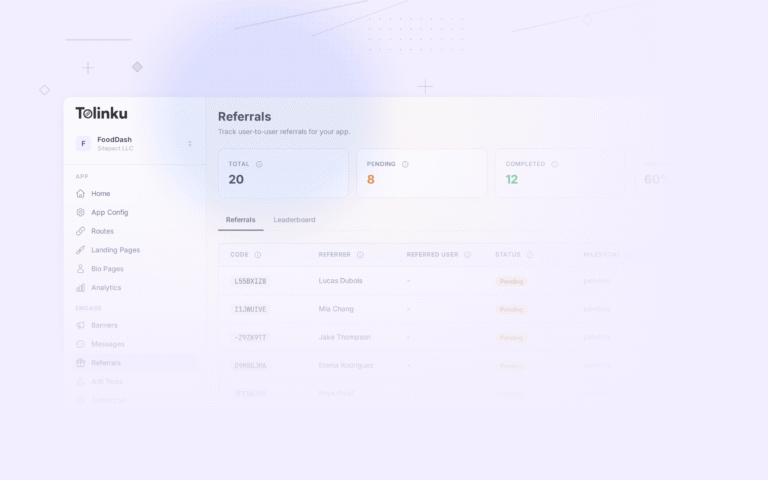
For referral programs specifically, Tolinku's referral tracking ties the original share, the click, the install, and the in-app action together into a single attribution chain. This makes it possible to reward both the referrer and the new user automatically.
Best Practices
These patterns come from observing what works across thousands of onboarding flows. For a broader look at the topic, see our onboarding best practices for 2026.
Keep it short
Every screen is a chance to lose someone. If deep link context lets you remove a screen, remove it. A referred user doesn't need to see a feature tour. A content-driven user doesn't need to pick interests. Aim for three screens or fewer when you have context.
Show value before asking for anything
The worst onboarding flows start with "Create an account." The best ones show the user something valuable first. If a deep link points to a piece of content, show a preview of that content before the sign-up wall. Let the user see what they came for. Then ask them to create an account to save it, interact with it, or continue.
Don't block on permissions
Push notification prompts, location access, camera permissions: these all interrupt the onboarding flow. Don't ask for them during onboarding unless the user's immediate action requires them. If someone came for a recipe, they don't need to grant notification access before they can see it. Ask later, in context, when the permission is clearly tied to something the user wants to do.
Degrade gracefully
Deferred deep link matching isn't 100% accurate. Your onboarding flow needs to work well even without deep link context. Treat the personalized flow as an enhancement, not a requirement. If the SDK returns no data, fall back to your standard onboarding. Never show error states or empty personalization slots.
Pre-fill, don't pre-decide
If a deep link suggests the user's interests (because they clicked on a fitness-related ad), pre-select those interests in a preference picker rather than skipping the picker entirely. Give users the feeling of control while reducing effort. People are more likely to keep a pre-selected option than to select it themselves, but they appreciate having the choice.
Test across platforms
iOS and Android handle deep links differently. Universal Links on iOS behave differently from App Links on Android. The deferred deep link matching accuracy may vary between platforms. Test your onboarding flow on both, with and without deep link context, on both fresh installs and reinstalls.
Respect the match window
If a user clicks a link on Monday and installs on Friday, the deferred deep link match will likely fail. That's fine. Design your onboarding to handle this gracefully. Don't promise something in a link (like a promo code) without also providing a way for users to manually enter it if the automatic attribution doesn't fire.
Log everything
Log which onboarding variant each user saw, which steps they completed, where they dropped off, and what deep link data (if any) was present. This data is what you'll use to iterate. Without it, you're guessing.
Conclusion
User onboarding deep links turn a generic first-run experience into a contextual one. Instead of treating every new user the same, you use the data from the link that brought them to your app to shape what they see first.
The mechanics are straightforward. A deferred deep link preserves context through the app install process. Your app reads that context on first open. Your onboarding logic branches based on what it finds: referral flows for referred users, content-first flows for content links, campaign-matched messaging for ad-driven installs.
The impact is measurable. Personalized onboarding consistently outperforms generic flows on activation rate, time to value, and early retention. The gains come from two places: removing unnecessary steps (less friction) and matching user expectations (less confusion).
Start with one pattern. If you run a referral program, build a referral onboarding flow that auto-applies credits and acknowledges the referrer. If most of your installs come from shared content, build a content-first flow that gets users to the shared item in under 30 seconds. Measure the results, then expand to other patterns.
The users who install your app already showed interest. They clicked a link, went to the app store, waited for the download, and opened the app. That's a lot of effort. Respect it by giving them exactly what they came for.
Get deep linking tips in your inbox
One email per week. No spam.