UTM parameters are the standard way to track where your traffic comes from. They work well on the web, but mobile deep links introduce complications: links pass through app stores, redirect chains, and cross-device flows. Without a deliberate strategy, your UTM data ends up messy and unreliable.
This guide covers how to build a UTM strategy that works specifically for mobile deep link campaigns.
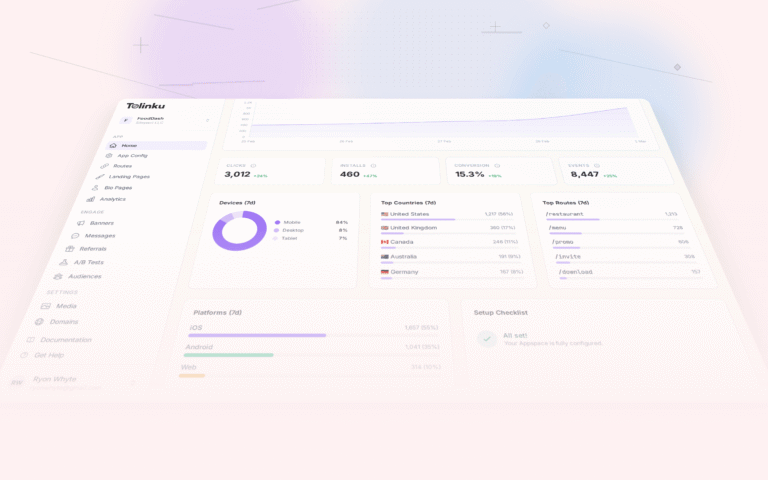
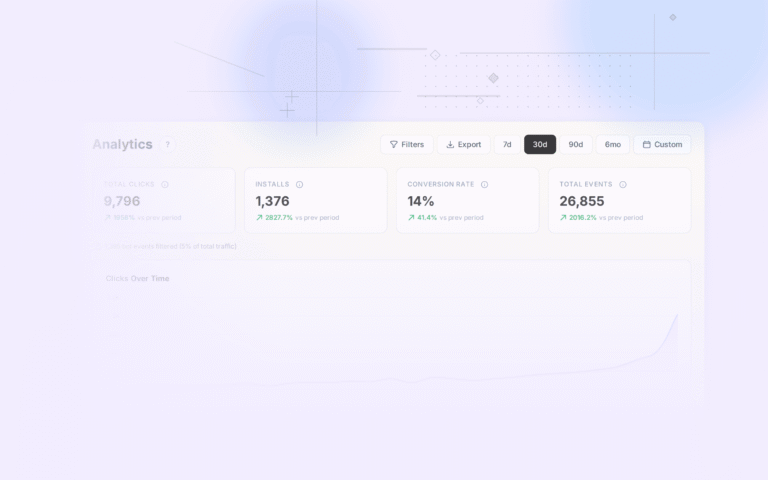
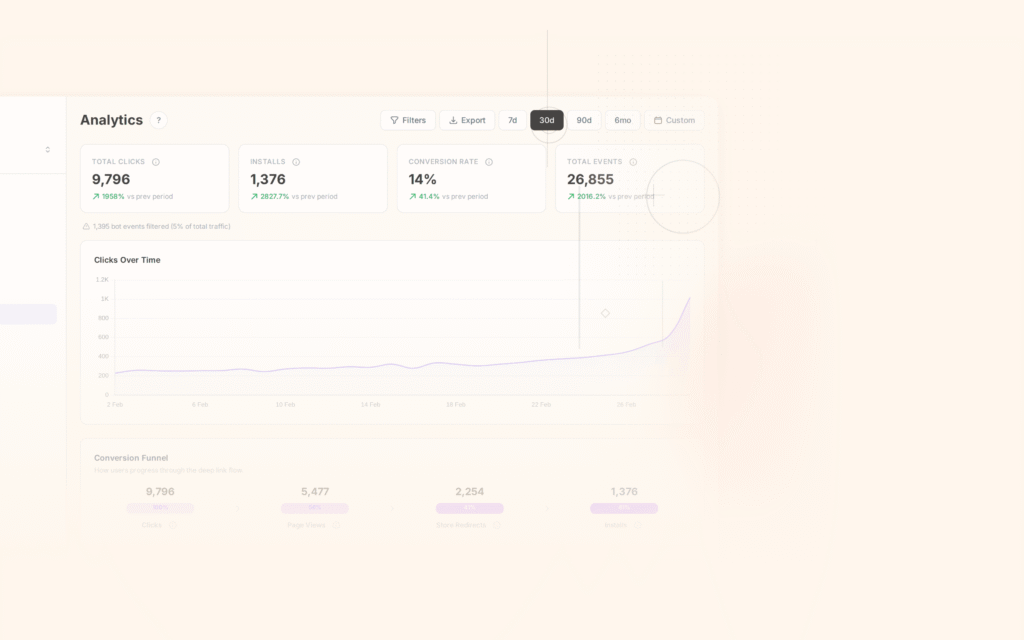
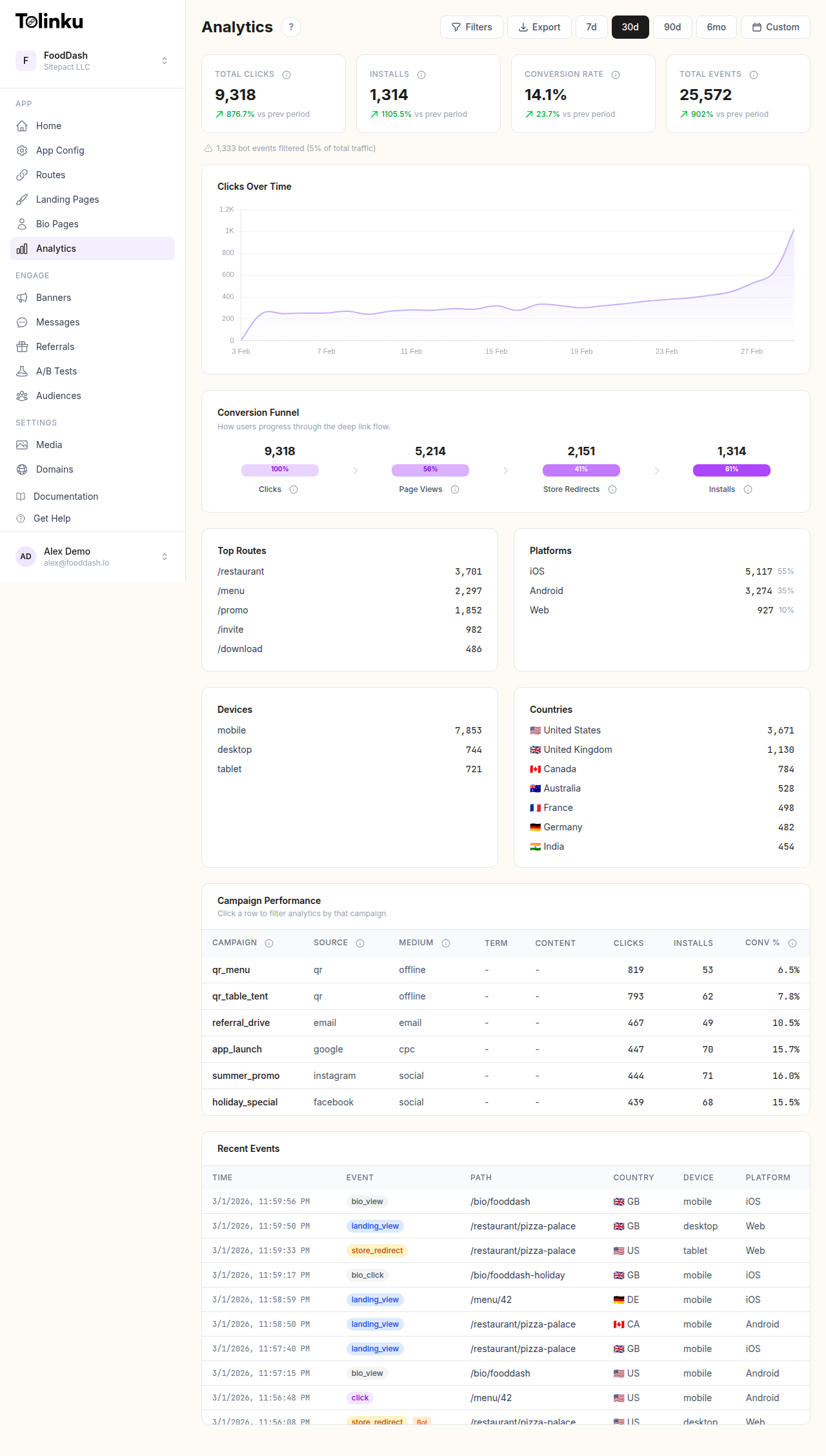 The analytics dashboard with date range selector, filters, charts, and breakdowns.
UTM Basics (Quick Refresher)
UTM parameters are query string tags appended to URLs. There are five standard parameters defined by Google's campaign URL builder:
| Parameter | Required | Purpose | Example |
|---|---|---|---|
| utm_source | Yes | Where the traffic comes from | email, facebook, partner_blog |
| utm_medium | Yes | The marketing medium | cpc, social, email, referral |
| utm_campaign | Yes | The specific campaign | summer_sale_2026, onboarding_v2 |
| utm_term | No | Paid search keywords | running_shoes, budget_app |
| utm_content | No | Differentiates ad variations | hero_image, sidebar_cta, blue_button |
A fully tagged deep link looks like:
https://go.yourapp.com/summer-sale?utm_source=email&utm_medium=newsletter&utm_campaign=summer_sale_2026&utm_content=hero_cta
For the basics of adding UTM parameters to short links, see UTM Parameters and Short Links.
Why Mobile Needs a Different Strategy
On the web, UTM parameters flow cleanly: user clicks a link, lands on a page, and your analytics tool reads the URL parameters. Done.
On mobile, the flow is more complex:
- User clicks a link with UTM parameters
- The deep linking platform processes the click and records the parameters
- If the app is installed: the app opens, but the URL the app receives may or may not include the original UTM parameters (depends on the OS and link type)
- If the app is not installed: the user is redirected to the app store, installs the app, and opens it. The original UTM parameters are only available through deferred deep linking
This means you can't just append UTM parameters and hope they make it through. You need to ensure your deep linking platform captures and preserves them through every possible routing path.
Building Your Naming Convention
Inconsistent naming is the number one UTM problem. "Email" and "email" and "EMAIL" are three different sources in your analytics. "facebook" and "Facebook" and "fb" and "meta" are four.
Rules
- Lowercase everything:
email, notEmailorEMAIL - Use underscores for spaces:
summer_sale, notsummer saleorsummer-sale - Be specific but concise:
partner_techcrunch, notpartnerortechcrunch_sponsored_article_july_2026 - Use consistent vocabulary: If email is
email, always call itemail, notnewsletterormail - Document everything: Maintain a shared reference document with approved values
Source Values
Standardize source names:
| Source | utm_source |
|---|---|
| Email campaigns | email |
| Facebook (organic) | facebook |
| Facebook (paid) | facebook_ads |
| Instagram (organic) | instagram |
| Instagram (paid) | instagram_ads |
| Twitter/X | twitter |
| TikTok | tiktok |
| Google Ads | google_ads |
| Apple Search Ads | apple_search |
| SMS | sms |
| Push notifications | push |
| QR codes | qr |
| Partner sites | partner_{name} |
| Influencers | influencer_{name} |
| Internal (cross-promo) | internal |
Medium Values
Use the standard medium taxonomy:
| Medium | utm_medium |
|---|---|
| Paid ads | cpc |
| Organic social | social |
email |
|
| Referral links | referral |
| Push notifications | push |
| SMS/messaging | sms |
| QR codes | qr |
| Display ads | display |
| Affiliate | affiliate |
| In-app banners | in_app |
Campaign Naming
Campaign names should be descriptive and follow a pattern:
{type}_{name}_{date}
Examples:
promo_summer_sale_202604launch_new_feature_202605reengagement_lapsed_q2_2026referral_double_reward_202604
Including the date (year + month) prevents confusion when similar campaigns run in different periods.
Content Values
Use content to distinguish variations within the same campaign:
hero_bannervssidebar_ctavsfooter_link(email placement)video_15svsvideo_30svsstatic_image(ad format)variant_avsvariant_b(A/B test versions)
Implementation for Deep Links
Adding UTM Parameters to Routes
When creating deep links in your routes, you can append UTM parameters directly to the link URL. The deep linking platform captures these parameters on click and makes them available for analytics.
For campaigns where you create many links with different UTM values (e.g., different email placements), generate the links programmatically:
https://go.yourapp.com/summer-sale?utm_source=email&utm_medium=email&utm_campaign=summer_sale_202604&utm_content=hero_banner

https://go.yourapp.com/summer-sale?utm_source=email&utm_medium=email&utm_campaign=summer_sale_202604&utm_content=footer_link
Same destination route, different utm_content for tracking which placement drives more clicks.
Preserving UTMs Through Install
For new users who don't have the app installed, the UTM parameters need to survive the app store redirect. This is handled by your deep linking platform's deferred deep linking capability.
The flow:
- User clicks link with UTM parameters
- Platform records the click and all parameters
- User redirected to app store, installs, opens app
- Platform's SDK retrieves the original link data, including UTM parameters
- Your app logs the UTM parameters with the install event
Verify this works by testing the full flow: click a UTM-tagged link on a device without the app installed, install from the store, open the app, and confirm the UTM values appear in your analytics.
Connecting to App Analytics
Once UTM parameters are captured (either from direct deep link handling or deferred link resolution), pass them to your analytics stack:
- Set them as user properties for the session or attribution window
- Attach them to all subsequent events from that user
- Use them as dimensions in your analytics reports and funnels
This lets you answer questions like:
- "Which email campaign drove the most purchases?"
- "Do users from social media retain better than users from paid search?"
- "Which ad creative variation has the highest LTV?"
Common UTM Mistakes
Tagging internal links: UTM parameters are for external traffic sources. If you tag links within your own app or website, you overwrite the original source. Internal navigation should use a separate tracking mechanism (like internal campaign IDs), not UTM.
Inconsistent casing: "Facebook" and "facebook" are different sources. Use lowercase everywhere.
Missing parameters: Always include at minimum source, medium, and campaign. Partial tagging creates gaps in your reports.
Overcomplicating content values: Keep utm_content simple and descriptive. A 50-character content value that encodes every possible metadata point is hard to analyze.
Not testing deferred links: UTM parameters that work perfectly for existing app users may get lost for new installs. Always test the full deferred deep linking flow.
Forgetting to update: Old campaigns with outdated UTM parameters pollute your data. When launching new campaigns, use fresh UTM values.
UTM Tracking Template
Create a shared spreadsheet for your team:
| Campaign | Source | Medium | Campaign Name | Content | Full Link |
|---|---|---|---|---|---|
| Summer Sale Email (Hero) | promo_summer_sale_202604 | hero_banner | go.yourapp.com/summer-sale?utm_source=email&utm_medium=email&utm_campaign=promo_summer_sale_202604&utm_content=hero_banner | ||
| Summer Sale Facebook Ad | facebook_ads | cpc | promo_summer_sale_202604 | video_15s | go.yourapp.com/summer-sale?utm_source=facebook_ads&utm_medium=cpc&utm_campaign=promo_summer_sale_202604&utm_content=video_15s |
| Summer Sale Push | push | push | promo_summer_sale_202604 | main_offer | go.yourapp.com/summer-sale?utm_source=push&utm_medium=push&utm_campaign=promo_summer_sale_202604&utm_content=main_offer |
This ensures consistency and provides a single reference for all tagged links.
Analyzing UTM Data
Key Reports
Build these reports in your analytics dashboard:
Source/Medium report: Which combinations drive the most installs, engagement, and revenue?
Campaign performance: Compare campaigns on clicks, conversions, and revenue per click.
Content A/B tests: When the same campaign uses multiple content variants, which performs best?
Attribution path: For users who touched multiple UTM-tagged touchpoints, what was the most common path to conversion?
Connecting UTM to Downstream Metrics
The real value of UTM tracking is connecting acquisition source to long-term outcomes:
- utm_source =
facebook_ads→ average D7 retention: 18% - utm_source =
email→ average D7 retention: 32% - utm_source =
referral→ average D7 retention: 38%
This data tells you not just which channels drive volume, but which channels drive quality. See Deep Link Analytics: Measuring What Matters for more on connecting click data to business outcomes.
For advanced event tracking that builds on UTM-based attribution, see Custom Event Tracking for Deep Link Campaigns.
Get deep linking tips in your inbox
One email per week. No spam.