Migrating deep linking platforms raises a lot of questions. This FAQ covers the 25 most common questions we hear from teams planning or executing a migration. For detailed guides on specific topics, see the linked resources throughout.
General Questions
1. Will my existing deep links break during migration?
Not if you plan correctly. If your deep links use a custom domain that you control (e.g., links.yourapp.com), you change where the domain points. The URLs themselves do not change, so links in emails, QR codes, and social posts continue to work.
If your links use the old platform's subdomain (e.g., yourapp.oldplatform.link), you need to set up redirects from the old domain to the new platform. Most platforms support this, but check with your current provider. See migration risk mitigation for specific strategies.
2. How long does a typical migration take?
For a single app with moderate link volume: 4-8 weeks from start to full cutover. For enterprise setups with multiple apps: 8-12 weeks. The breakdown is roughly:
- 1-2 weeks: audit and setup
- 1-2 weeks: SDK integration and testing
- 1-2 weeks: staged rollout
- 1-2 weeks: full cutover and cleanup
See migration timeline planning for a detailed week-by-week plan.
3. Can I run both platforms simultaneously?
Yes. Running both platforms in parallel is the safest migration approach. The old platform continues to handle existing links while the new platform handles new links. You gradually shift traffic from old to new. See parallel running during migration for the full guide.
4. What is the biggest risk during migration?
Broken app verification files. If apple-app-site-association (iOS) or assetlinks.json (Android) are not served correctly after the DNS switch, deep links stop opening the app and fall back to the browser. This is often invisible until users report it.
5. Do I need to update my mobile apps?
Yes. You need to update the SDK in your apps. The old SDK talks to the old platform; the new SDK talks to the new platform. This means an app store release is part of the migration plan. Factor in app review times (1-3 days for iOS, typically same-day for Android).
Link Migration
6. Can I keep my existing link URLs?
If you use a custom domain: yes. Your URLs stay the same. You just change where the domain resolves.
If you use the old platform's domain: no. You need new URLs on the new platform and redirects from the old URLs.
7. What happens to links in printed materials (QR codes, packaging)?
Printed links cannot be changed. If they use your custom domain, they continue to work after migration. If they use the old platform's domain, you need the old platform to redirect them permanently. Some platforms shut down redirects after you cancel your subscription, so confirm their policy before canceling.
8. How do I handle thousands of existing links?
Prioritize by traffic. Export your link analytics from the old platform and sort by click volume. The top 100 links by traffic likely account for 80%+ of your total clicks. Ensure these work first. For the rest, set up a catch-all redirect. See link format mapping for conversion strategies.
9. Should I recreate all links on the new platform?
Not necessarily. If you use a custom domain with path-based routing, configure the same routes on the new platform and the existing URLs work without recreation. Only recreate links if:
- Your link format is changing.
- You want to consolidate or clean up old link structures.
- The old platform used hash-based short links that cannot be reverse-engineered.
10. What about links shared on social media?
Social media links follow the same rules as other links. If they use your custom domain, they continue to work. If they use the old platform's domain, they need redirects. Note that some social platforms (Facebook, Twitter) cache link metadata (Open Graph tags). You may need to use their debugging tools to refresh cached previews after migration.
SDK and Technical
11. Can I run two deep linking SDKs in the same app?
Yes, but carefully. Both SDKs may try to handle the same system callbacks (Universal Links, App Links). Configure the old SDK to operate in a passive/attribution-only mode while the new SDK handles all deep link routing. See migration risk mitigation for SDK conflict management.
12. Will the new SDK affect my app's performance?
It might, marginally. SDK initialization adds a small amount of startup time (typically 10-50ms). Benchmark both SDKs and compare. A difference of less than 100ms is acceptable. If the new SDK is significantly slower, report it to the platform provider.
13. How do I handle deferred deep linking during migration?
Deferred deep linking (matching a pre-install click to a post-install app open) is the most migration-sensitive feature. During the transition:
- Clicks on the old platform cannot be matched by the new SDK.
- Clicks on the new platform cannot be matched by the old SDK.
Run both SDKs during the transition so the old SDK can resolve its pending deferred links. See analytics data migration for more on the attribution gap.
14. Do I need to update my website?
If you use smart banners, update the banner script to the new platform's version. If your website generates deep links (e.g., "Open in App" buttons), update those to use the new platform's link format or API. If your website only receives traffic from deep links, no changes are needed.
15. What about webhooks and postback URLs?
If you have webhooks configured on the old platform (e.g., for sending attribution data to your backend), recreate them on the new platform. The payload format will differ, so update your backend to accept the new format. Run both during the transition.
Attribution and Analytics
16. Will I lose my attribution data?
You will not lose historical data if you export it before migration. The new platform starts with a clean slate, so there is no historical continuity in the new platform's dashboard. Use a third-party analytics platform (Google Analytics, Amplitude) as the continuous source of truth. See analytics data migration.
17. What is the "attribution gap"?
The period during migration where some installs cannot be attributed. A click recorded on the old platform before migration cannot be matched by the new SDK after migration. The gap lasts as long as your attribution window (typically 7-30 days). See migration impact on attribution.
18. Will my marketing team see a drop in attributed installs?
Temporarily, yes. During the attribution gap, installs from pre-migration clicks appear as "organic" on the new platform. This is expected. Brief your marketing team before migration so they do not react to the artificial dip by pausing campaigns.
19. How do I compare analytics between old and new platforms?
Establish baselines from the old platform (30 days of data) before migration. After migration, compare the same metrics on the new platform. Expect 5-10% variance due to different attribution models and processing methods. Variances above 20% indicate a configuration issue.
20. Can I import historical data into the new platform?
It depends on the platform. Some accept CSV imports; others do not. Even if import is supported, the data format likely differs. Focus on exporting historical data for your own records rather than importing it into the new platform.
Domain and DNS
21. How long does DNS propagation take?
Typically 1-4 hours if you lowered your TTL to 60 seconds beforehand. Without lowering TTL, it can take up to 48 hours. Always lower your DNS TTL at least 48 hours before the migration switch. See domain migration for deep links.
22. What about SSL certificates?
The new platform must have valid SSL certificates for your custom domain before it receives traffic. Use DNS validation for certificate provisioning so you can get the certificate before switching DNS. If the new platform uses automatic SSL (Let's Encrypt), coordinate with their support to pre-provision the certificate.
23. Can I test the new platform before switching DNS?
Yes. Most platforms provide a staging URL or allow you to test with a temporary subdomain. Configure a subdomain like links-test.yourapp.com pointing to the new platform, run all your tests, then switch the production domain when ready.
Process and Planning
24. What is the best day and time to do the DNS switch?
A weekday morning (Tuesday through Thursday) in your lowest-traffic timezone. Avoid Fridays (you do not want to discover issues over the weekend) and Mondays (often high-traffic days). Have your engineering team available for 4-8 hours after the switch to monitor and respond to issues.
25. What if something goes wrong? How do I roll back?
If you use a custom domain, rollback is straightforward: revert the DNS records to point back to the old platform. With a low TTL, traffic returns to the old platform within minutes. Keep the old platform active (do not cancel your subscription) for at least 2-4 weeks after cutover so you have a rollback option.
Tolinku Migration Support
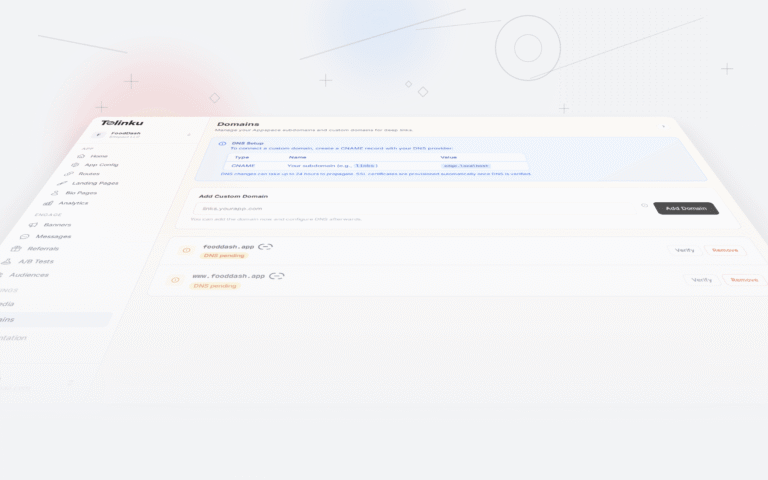
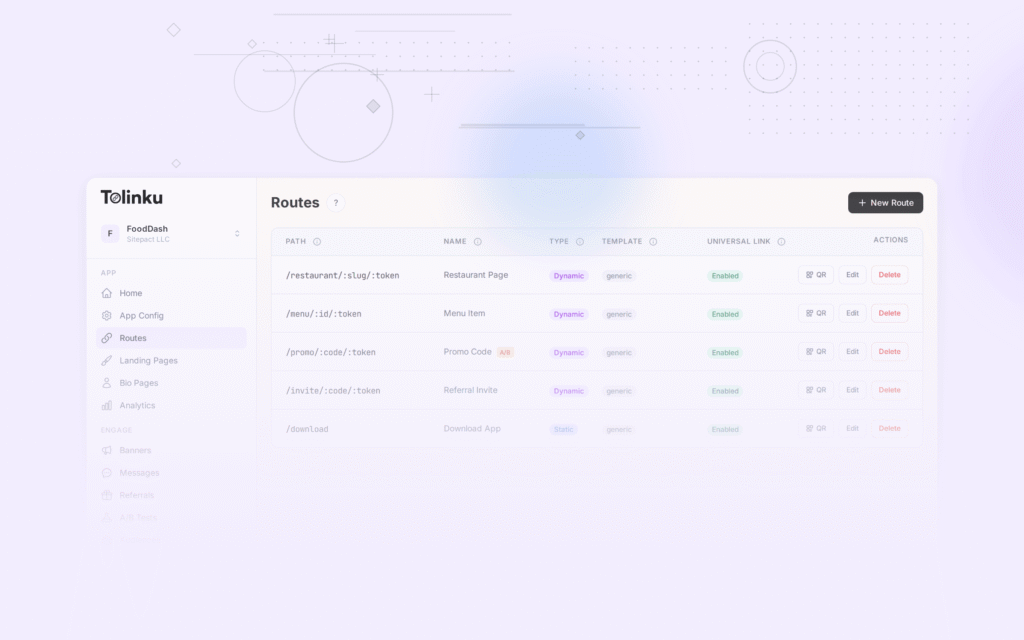
Tolinku provides migration documentation for teams switching from other platforms. Set up your Appspace in the Tolinku dashboard, configure your routes, and test with a staging domain before switching production traffic.
For the complete migration process, see migrating to Tolinku. For testing procedures, see testing after migration. For the step-by-step checklist, see deep linking migration checklist.
Get deep linking tips in your inbox
One email per week. No spam.