Events are high-density opportunities for QR code engagement. Attendees are physically present, their phones are in hand, and they are open to interactive experiences. QR codes at events serve two purposes: operational (check-in, session access, payments) and marketing (app downloads, lead capture, content sharing).
For print marketing QR codes, see QR codes for print marketing: bridging offline to app. For product packaging, see QR codes on product packaging: connect physical to digital.
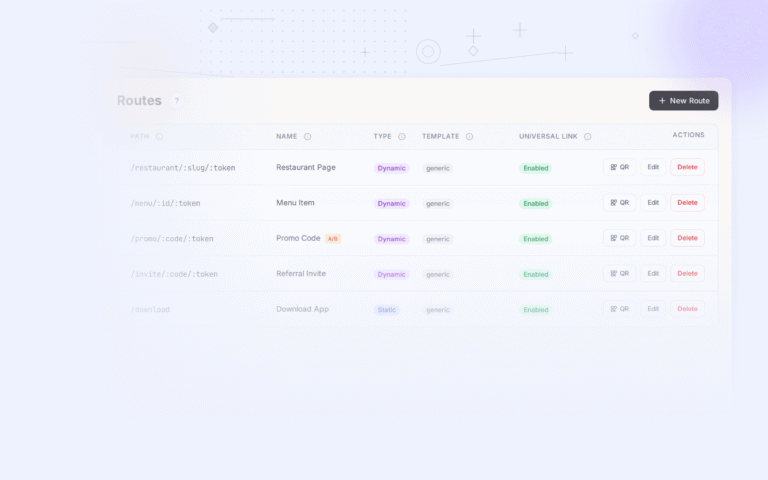
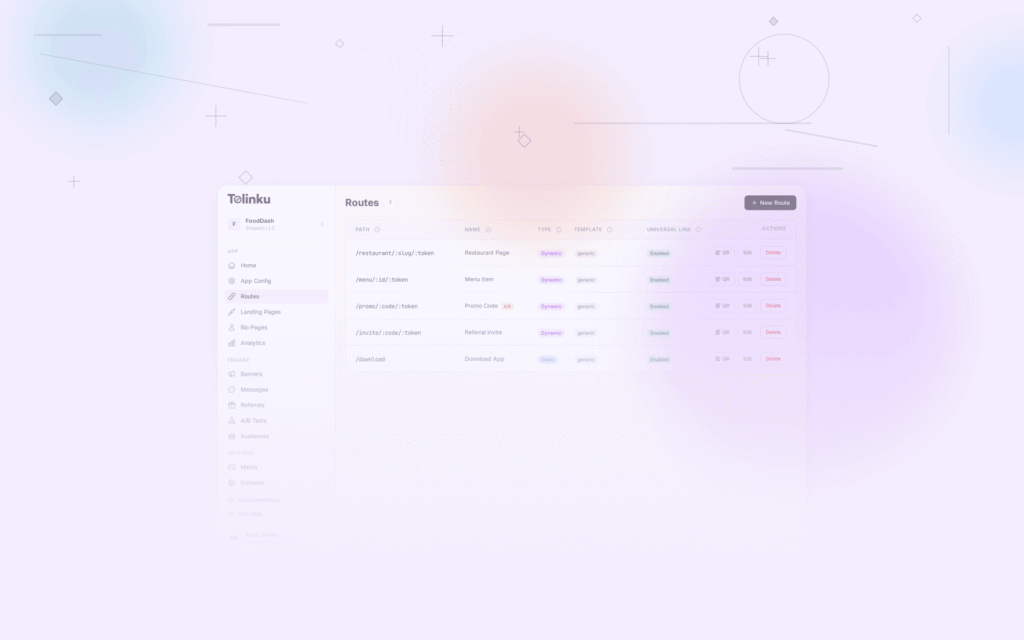
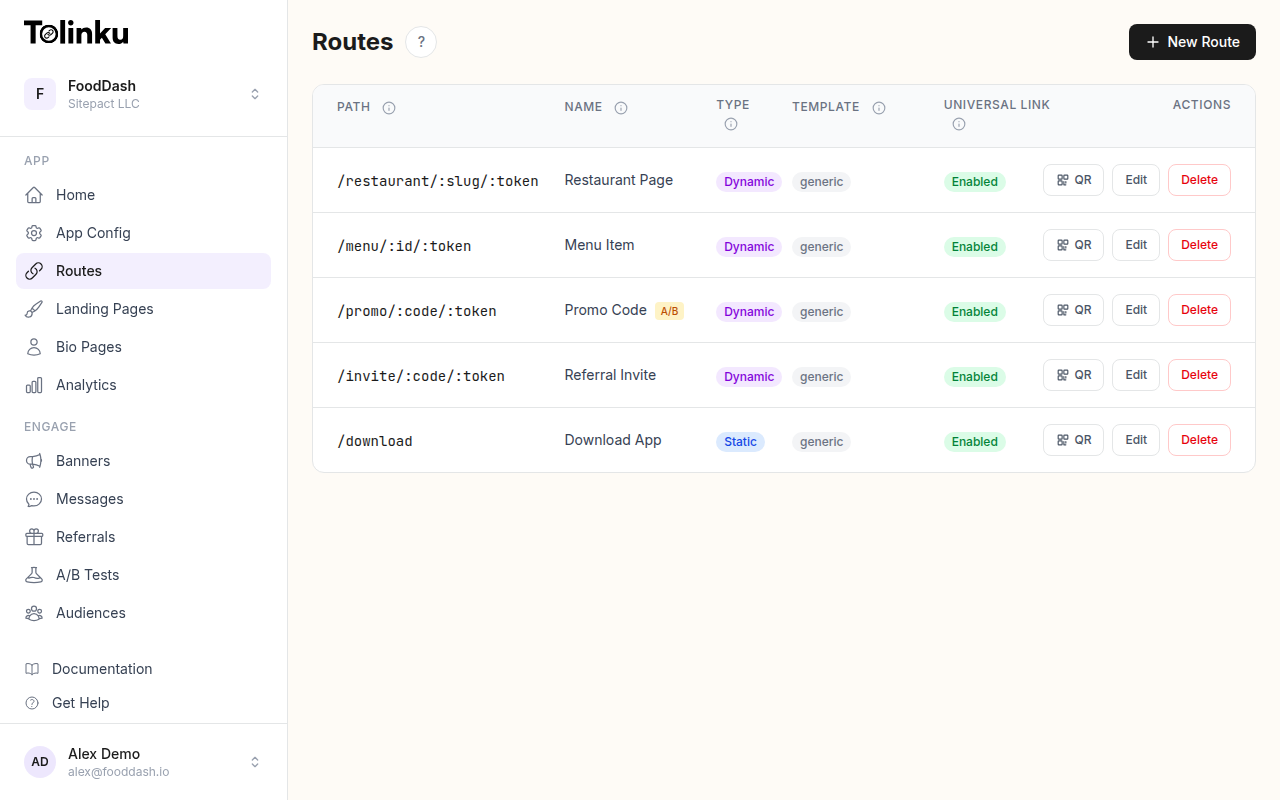 Tolinku route configuration with QR code generation for each deep link.
Registration and Check-In
Pre-Event: Registration Confirmation
Send each registrant a unique QR code in their confirmation email:
Your registration is confirmed!

Show this QR code at the door for fast check-in:
[QR Code]

Or download our event app for your full schedule:
[QR Code → App Download]
The check-in QR code encodes a unique token:
https://yourevent.com/checkin?token=abc123def456
At the Door: Fast Check-In
Staff scan attendee QR codes to check them in. This is faster than name lookup and reduces queues.
Requirements:
- QR codes must be large enough to scan from a phone screen held at arm's length (minimum 3 cm on screen).
- The scanning app must work offline (in case venue Wi-Fi is unreliable).
- Failed scans should fall back to manual name lookup.
Session-Level Check-In
For multi-track conferences, use QR codes at each session room:
Welcome to "Deep Linking Best Practices"
Scan to check in to this session:
[QR Code]
This provides:
- Accurate attendance data per session.
- Content delivery (slides, resources) to attendees after they check in.
- Feedback collection after the session.
Driving App Downloads
Badge Inserts
Include a card in each attendee badge holder:
Get the event app for:
- Your personalized schedule
- Speaker bios and session details
- Networking with other attendees
- Real-time notifications

[QR Code → App download with deep link to event]
The deep link URL carries context:
https://yourevent.com/app?event=conf2026&attendee=abc123
After installation, the app opens to the event homepage and pre-populates the attendee's registered sessions.
Stage Slides
During keynotes and sessions, display QR codes on slides:
Download the event app to ask questions:
go.yourevent.com/app
[QR Code]
QR codes on presentation slides should be:
- Displayed for at least 15 seconds.
- Large enough to scan from the back of the room (at least 15% of screen width).
- On a high-contrast background (dark QR code on light background).
Signage at Key Locations
Place QR codes where attendees wait:
- Registration desk: While waiting to check in.
- Session rooms: While waiting for the next talk.
- Lunch areas: During breaks.
- Expo hall entrance: Before entering the exhibit area.
Idle time is scan time.
Exhibitor and Sponsor QR Codes
Lead Capture
Exhibitors use QR codes for lead capture instead of fishbowl business card drops:
Scan to learn more and enter our raffle:
[QR Code → Landing page with lead form]
The QR code links to a form that collects name, email, and company. The exhibitor gets structured data instead of a pile of business cards.
Product Demos
See our product in action:
[QR Code → Demo video or interactive demo]
This extends booth engagement beyond the physical space. Attendees who scan can revisit the demo after the event.
Content Downloads
Get our whitepaper:
[QR Code → Gated PDF download]
The QR code links to a page that collects contact information before delivering the content.
Networking
Digital Business Cards
Each attendee's badge can include a personal QR code:
[QR Code → vCard or LinkedIn profile]
When two attendees meet, they scan each other's badges to exchange contact information. This is faster and more reliable than swapping physical cards.
Networking Features in the Event App
The event app can include:
- Scan to connect: Scan another attendee's badge QR to add them to your event contacts.
- Session attendee list: See who else attended the same sessions.
- Message requests: Send messages to other attendees through the app.
Payments and Commerce
Food and Beverage
QR codes on tables or at food stations for mobile ordering:
Order from your phone:
[QR Code → Mobile ordering page]
Merchandise
QR codes on merchandise displays:
Buy this shirt (available in all sizes):
[QR Code → Online store product page]
Attendees can order their size and have it shipped, avoiding the need to carry merchandise.
Post-Event Follow-Up
Feedback Surveys
Display QR codes on screens during the closing session:
How was the event?
[QR Code → Survey form]
Send a follow-up email with the same QR code for attendees who did not complete the survey on-site.
Content Access
After the event, the same QR codes from session rooms can link to recorded sessions:
Session recording available:
[QR Code → Video replay in app]
Update the QR code destination from "check in to this session" to "watch the replay." Dynamic QR codes make this possible without reprinting.
Technical Considerations
Venue Wi-Fi
Event venues often have unreliable Wi-Fi. Plan for this:
- QR code landing pages should be lightweight (under 200 KB).
- Critical functions (check-in) should work offline or on cellular data.
- Avoid QR codes that lead to large downloads or video streaming.
QR Code Size for Events
| Context | Scan Distance | Minimum QR Size |
|---|---|---|
| Badge / hand-held | 15-30 cm | 2 x 2 cm |
| Table tent | 30-60 cm | 3 x 3 cm |
| Poster / banner | 1-3 m | 10 x 10 cm |
| Stage screen | 5-15 m | 20 x 20 cm (projected) |
| Billboard / large sign | 10+ m | 30+ x 30+ cm |
Lighting
Event venues vary in lighting. Test QR code scannability in the actual venue lighting conditions. Dark environments (concert halls, award shows) may require:
- Illuminated QR code displays.
- Higher contrast (pure black on pure white).
- Larger QR codes.
Tolinku for Event QR Codes
Tolinku generates QR codes with built-in deep linking and analytics. Create routes for each event touchpoint (registration, sessions, exhibitors) and track scans in real time through the analytics dashboard. Use route expiration to automatically disable registration links after the event.
For print marketing, see QR codes for print marketing: bridging offline to app. For the complete guide, see QR codes and short links for mobile apps.
Get deep linking tips in your inbox
One email per week. No spam.