A single Express endpoint that writes to a database works at low volume. At 10 events per second, you're fine. At 1,000 events per second, the database becomes a bottleneck. At 10,000 events per second, you need a fundamentally different architecture.
This guide covers webhook architecture patterns that scale, starting with the simplest viable approach and progressing to patterns that handle millions of events per day. Each pattern builds on the one before it, so you can start simple and evolve as your traffic grows. For the general webhook setup, see the webhook setup guide. For real-time processing strategies, see the real-time event processing guide. For handling high-volume traffic, see the rate limiting guide.
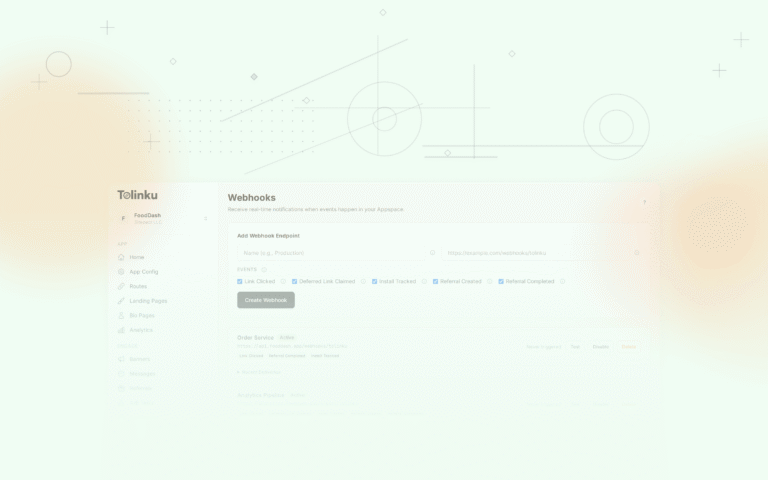
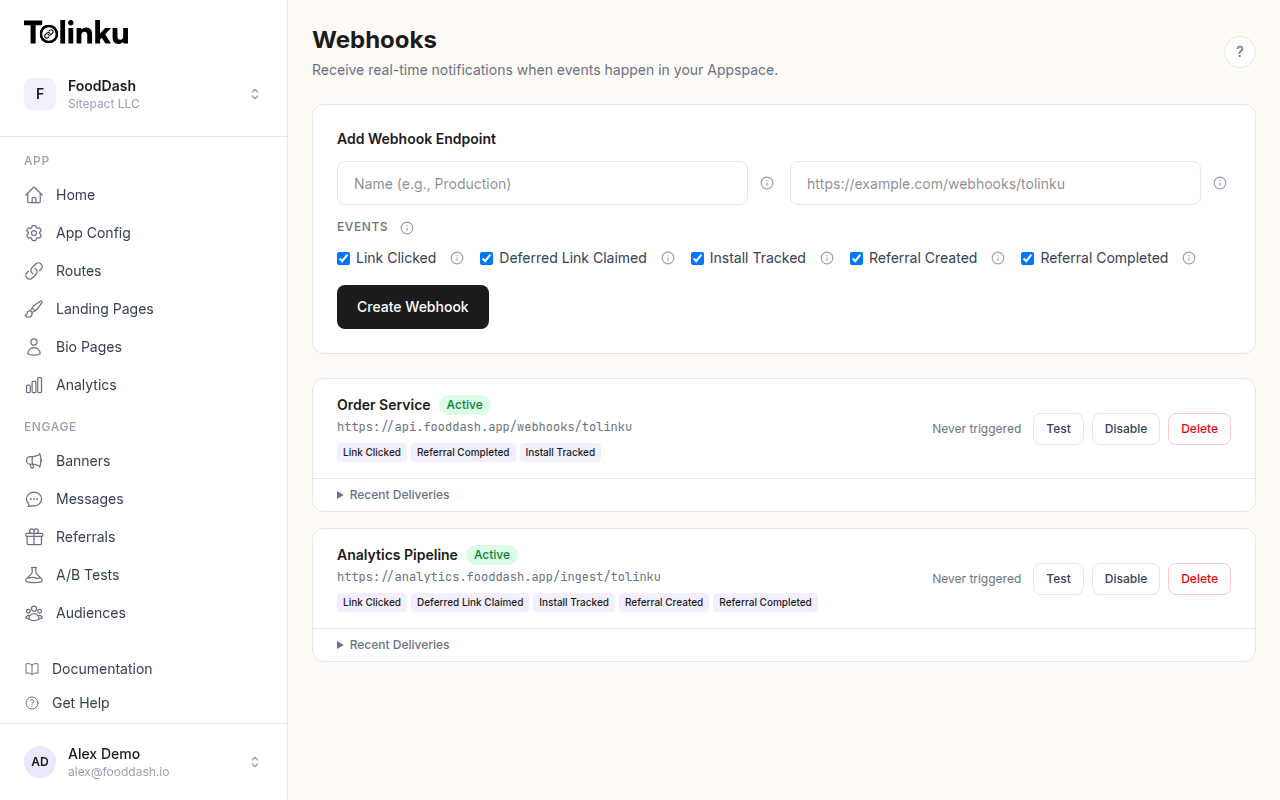 The webhooks page with create form, webhook list, and delivery log.
Pattern 1: Direct Write
The starting point. A single receiver writes events directly to a database.
Tolinku → Receiver → Database
app.post('/webhooks/tolinku', async (req, res) => {
  // Verify signature
  res.status(200).send('OK');

  const event = JSON.parse(req.body.toString());
  await db.query(
    'INSERT INTO events (type, timestamp, data) VALUES ($1, $2, $3)',
    [event.event, event.timestamp, JSON.stringify(event.data)]
  );
});
Capacity: ~100-500 events/second, depending on database and network latency.
When to use: You're getting started, traffic is low, and you have one consumer of the data.
When to move on: Database write latency causes the endpoint to respond slowly, or you need to send events to multiple destinations.
Pattern 2: Async Processing
Decouple the HTTP response from event processing. Respond immediately, process in the background.
Tolinku → Receiver (respond 200) → Background Process → Database
app.post('/webhooks/tolinku', (req, res) => {
  // Verify signature
  res.status(200).send('OK');

  // Process asynchronously
  const event = JSON.parse(req.body.toString());
  setImmediate(async () => {
    try {
      await db.query(
        'INSERT INTO events (type, timestamp, data) VALUES ($1, $2, $3)',
        [event.event, event.timestamp, JSON.stringify(event.data)]
      );
    } catch (err) {
      console.error('Failed to store event:', err);
    }
  });
});
Capacity: The receiver handles ~5,000-10,000 events/second (it's just signature verification + 200 response). Processing is bounded by the database.
When to use: You need fast response times but still have a single database destination.
Limitation: If the process crashes between receiving the event and storing it, the event is lost. For most deep link analytics, this is acceptable. For financial transactions, it's not.
Pattern 3: Queue-Buffered Write
Add a message queue between the receiver and the processor. The queue provides durability (events survive receiver crashes) and backpressure (events queue up if the database is slow).
Tolinku → Receiver → Queue → Worker → Database
This is the most common pattern for production webhook integrations. See the rate limiting guide for implementation details with SQS and BullMQ.
Capacity: Bounded by the queue (SQS: effectively unlimited; Redis/BullMQ: ~50,000 messages/second). The worker processes at whatever rate the database can handle.
When to use: You need durability guarantees and/or rate control over database writes.
Pattern 4: Fan-Out
When you have multiple consumers (analytics, CRM, Slack, fraud detection), fan out events to each consumer independently.
                    ┌→ Analytics Worker → BigQuery
Tolinku → Receiver → Topic/Queue
                    ├→ CRM Worker → HubSpot
                    ├→ Notifications Worker → Slack
                    └→ Fraud Worker → Alert System
With SNS + SQS (AWS)
import { SNSClient, PublishCommand } from '@aws-sdk/client-sns';

const sns = new SNSClient({});

app.post('/webhooks/tolinku', async (req, res) => {
  // Verify signature
  res.status(200).send('OK');

  await sns.send(new PublishCommand({
    TopicArn: process.env.SNS_TOPIC_ARN!,
    Message: req.body.toString(),
    MessageAttributes: {
      EventType: {
        DataType: 'String',
        StringValue: req.headers['x-webhook-event'] as string,
      },
    },
  }));
});
Each SQS queue subscribes to the SNS topic with a filter policy. The analytics queue receives all events; the CRM queue only receives referral events; the Slack queue only receives install events.
With Kafka
import { Kafka } from 'kafkajs';

const kafka = new Kafka({ brokers: [process.env.KAFKA_BROKER!] });
const producer = kafka.producer();

app.post('/webhooks/tolinku', async (req, res) => {
  // Verify signature
  res.status(200).send('OK');

  await producer.send({
    topic: 'webhook-events',
    messages: [{
      key: req.headers['x-webhook-event'] as string,
      value: req.body.toString(),
    }],
  });
});
Each consumer group reads from the topic independently. Consumer groups can read at different speeds without affecting each other.
Capacity: SNS: 30,000 messages/second per topic. Kafka: hundreds of thousands per partition.
When to use: Multiple independent systems need the same events. This is the pattern you'll live with the longest.
Pattern 5: Event Sourcing
Store every webhook event as an immutable fact. Derive all state from the event log.
Tolinku → Receiver → Event Store (append-only log)
                                   → Projection: Analytics
                                   → Projection: User State
                                   → Projection: Campaign Metrics
The event store is the source of truth. Projections are read models built by replaying events.
// Event store: append-only
async function appendEvent(event: any, rawBody: Buffer) {
  const hash = crypto.createHash('sha256').update(rawBody).digest('hex');

  await db.query(
    `INSERT INTO event_store (event_hash, event_type, event_timestamp, payload, stored_at)
     VALUES ($1, $2, $3, $4, NOW())
     ON CONFLICT (event_hash) DO NOTHING`,
    [hash, event.event, event.timestamp, rawBody.toString()]
  );
}

// Projection: rebuild click counts from the event log
async function rebuildClickCounts() {
  await db.query(`
    INSERT INTO click_counts (campaign, platform, date, count)
    SELECT
      payload::jsonb->'data'->>'campaign',
      payload::jsonb->'data'->>'platform',
      DATE(event_timestamp),
      COUNT(*)
    FROM event_store
    WHERE event_type = 'link.clicked'
    GROUP BY 1, 2, 3
    ON CONFLICT (campaign, platform, date)
    DO UPDATE SET count = EXCLUDED.count
  `);
}
Advantage: You never lose data. If you realize you need a new metric, replay the event log and compute it retroactively. If a projection has a bug, fix the code and rebuild from the events.
Tradeoff: Storage grows indefinitely (though webhook events are small). Rebuilding projections from millions of events takes time.
When to use: You need auditability, you want to derive new analytics from historical data, or your requirements change frequently.
Pattern 6: CQRS (Command Query Responsibility Segregation)
Separate the write path (receiving events) from the read path (querying analytics). Each path is optimized for its workload.
Write Path: Tolinku → Receiver → Queue → Event Store (PostgreSQL)
                                                ↓ (change data capture)
Read Path:  Dashboard → Analytics DB (ClickHouse/BigQuery) ← CDC → Event Store
The write path optimizes for fast, reliable ingestion: a simple append to a transactional database. The read path optimizes for fast, complex queries: a columnar analytics database.
Change data capture (CDC) tools like Debezium stream new events from the event store to the analytics database. This decouples the write and read workloads completely.
When to use: Your analytics queries are too slow on the same database that handles ingestion. Common above ~10 million events.
Pattern 7: Multi-Region
For global applications where latency matters, deploy receivers in multiple regions and centralize the event store.
US Users → US Receiver → US Queue ↘
EU Users → EU Receiver → EU Queue → Central Event Store
AP Users → AP Receiver → AP Queue ↗
Each regional receiver handles signature verification and queuing locally. Events are forwarded to a central store (or replicated across regions) for unified analytics.
When to use: Your users are distributed globally and you need low-latency webhook acknowledgement. Tolinku delivers from a single region, so this is more relevant when you have other webhook sources alongside Tolinku.
Choosing the Right Pattern
| Your Scale | Events/Day | Pattern | Key Infrastructure |
|---|---|---|---|
| Starting out | < 10,000 | Direct write or async | Single server + database |
| Growing | 10,000-100,000 | Queue-buffered | Server + queue + database |
| Multiple consumers | Any volume | Fan-out | Queue/topic + workers |
| Analytics-heavy | > 100,000 | Event sourcing + CQRS | Event store + analytics DB |
| Enterprise | > 1,000,000 | Full pipeline | Kafka + CDC + ClickHouse |
Most teams stay at the fan-out pattern for years. It handles most volumes, supports multiple consumers, and doesn't require specialized infrastructure.
Migration Path
- Start with Pattern 1 (direct write). Get the integration working.
- Move to Pattern 2 (async) when response times matter.
- Add a queue (Pattern 3) when you need durability.
- Fan out (Pattern 4) when you add a second consumer.
- Event source (Pattern 5) when you need to replay history.
- CQRS (Pattern 6) when analytics and ingestion compete for resources.
Each step is incremental. You don't need to design for Pattern 6 on day one.
Receiver Design Principles
Regardless of which pattern you use, the receiver itself should follow these principles:
- Respond fast. Signature verification + 200 response. Everything else is async or queued.
- Be stateless. The receiver shouldn't hold state. This lets you scale horizontally by adding more instances.
- Be idempotent. Duplicate events should not cause duplicate side effects. See the idempotency guide.
- Verify signatures. Always. See the security guide.
- Log structured data. Log event type, processing time, and outcome for every request. See the delivery monitoring guide.
The patterns change how events flow through your system. The receiver stays the same.
For the complete webhook integration guide, see the webhooks and integrations overview.
Get deep linking tips in your inbox
One email per week. No spam.